
- 0
Archiving patch files and translation notes for video games isn’t just about saving space-it’s about saving history. Every patch, every localized dialogue tweak, every fix for a broken save file tells a story. Without proper archiving, these details vanish. A game might still run on an emulator, but the context behind why a line was changed from "I love you" to "I care for you"? Gone. A patch that fixed a crash on Windows XP? Lost. You can’t rebuild the past if you never saved the pieces.
Understand How Patches Work
Most modern games don’t patch by editing files directly. Instead, they use an archive-overlay system. Think of it like stacking transparent sheets. The base game is the bottom layer. Each patch adds a new layer on top. When the game loads, it checks the topmost layer first for any file-whether it’s a texture, sound, or script. If it finds it, it uses that version. If not, it looks down to the layer below. This means you don’t need to keep every single file from every version. You just need to keep each patch archive intact.Take Quake 3 as an example. Its engine reads patches in order. The original game files sit in one archive. Patch 1.32 goes in another. Patch 1.33 in a third. The game doesn’t care which one has what. It just knows: use the newest version of each file. This system is clean, efficient, and perfect for archiving. You don’t need to merge files. You just need to store each patch as its own archive.
Organize Your Patch Archives
Start by creating a folder structure that mirrors how the game actually uses patches. Here’s a simple setup:- /games/[game-name]/patches/ - All patch archives go here
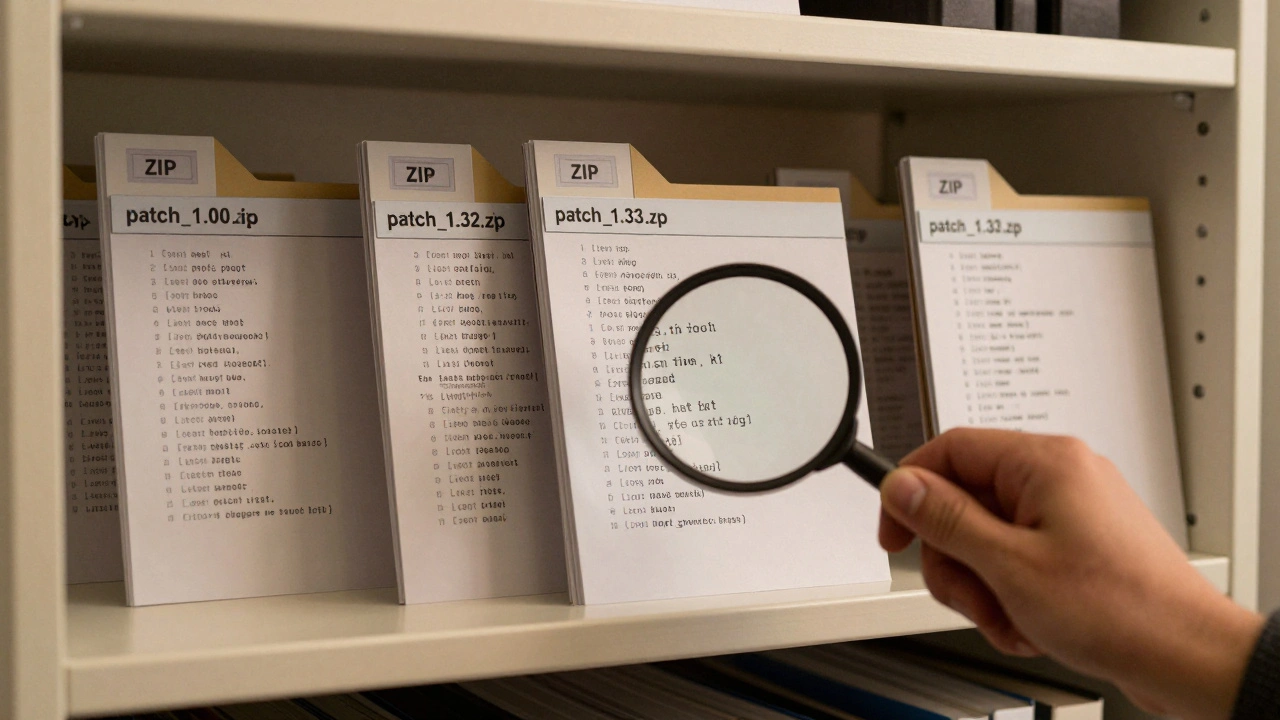
- /games/[game-name]/patches/patch_1.00.zip - Original release
- /games/[game-name]/patches/patch_1.32.zip - First major update
- /games/[game-name]/patches/patch_1.33.zip - Final patch
Use clear, consistent naming. Include the version number and date. Don’t use vague names like "update_final.zip". You’ll forget what it contained in six months.
Each patch archive should contain only the files that changed from the previous version. Don’t dump the whole game folder. That’s wasteful. Use a tool like 7-Zip or WinRAR to create ZIP archives with maximum compression. Store them in ZIP format-it’s open, universal, and readable on any system, even 20 years from now.
Track Translation Notes Like Code
Translation notes aren’t just random scribbles. They’re documentation. They explain why a character’s name was changed from "Kuro" to "Black" in the English version. They note cultural references that were swapped out. They record which lines were cut due to length limits. Without them, future translators or researchers are blind.Store these notes alongside their corresponding patch. Create a folder called /games/[game-name]/translations/. Inside, make a subfolder for each patch version:
- /games/[game-name]/translations/patch_1.32/
- /games/[game-name]/translations/patch_1.32/notes.txt
- /games/[game-name]/translations/patch_1.32/changed_lines.csv
Use plain text (.txt) or CSV (.csv) files. Avoid Word documents or PDFs unless absolutely necessary. They rely on proprietary formats that may not open in 15 years. CSV files are just comma-separated values. They open in Notepad. They’re readable by machines. They’re future-proof.
Include these details in each note file:
- Which file was changed (e.g., "dialogue_en.txt")
- What was changed (original line → new line)
- Why it was changed (cultural adaptation, character voice, censorship)
- Who made the change (translator name or team)
- Date of change
Example:
File: dialogue_en.txt
Original: "I’m not afraid of ghosts."
Changed: "I don’t believe in spirits."
Reason: "Ghosts" sounded too childish for the tone. "Spirits" better matched the game’s supernatural lore.
Translator: Maria Chen
Date: 2023-08-15
Use the 3-2-1 Rule
You’ve got your patches and notes organized. Now, protect them. The 3-2-1 backup rule is the gold standard for digital preservation:- 3 copies of your data
- 2 different media types (e.g., external hard drive + SSD)
- 1 off-site copy (cloud storage or physical drive stored elsewhere)
For game archives, this looks like:
- Copy 1: On your main PC (working copy)
- Copy 2: On an external SSD plugged into your gaming rig
- Copy 3: Uploaded to a private cloud service like Backblaze B2 or stored on a USB drive locked in a fireproof safe
Why off-site? Because if your house burns down, or your PC gets stolen, or ransomware encrypts your drives, you still have a clean copy. Air-gapped storage-where a drive is unplugged and stored away-is the most secure. It can’t be hacked remotely. It’s your last line of defense.
Don’t Use Binary Patching for Archives
You might think tools like XDelta are perfect for patching game files. They’re not. XDelta works well for small text files or single binaries. But game patches? They’re usually archive files-ZIPs, PK3s, PAKs-that contain dozens or hundreds of smaller files. XDelta tries to compare the entire archive as one big blob. It fails. The compression savings are tiny. You end up with a 50MB patch file when you could’ve had a 5MB one.Instead, extract the contents of each patch, compare the file list against the previous version, and archive only the changed files. Use a script if you’re comfortable with Python or PowerShell. Here’s a simple logic:
- Unzip patch V1.32 and V1.33
- List all filenames in each
- Compare the two lists
- Take any file that’s new, modified, or missing in V1.32
- Zip those files into a new archive: patch_1.33.zip
This approach gives you clean, minimal patches. It also makes it easy to verify what changed. If a player reports a bug in V1.33, you can look at the patch archive and instantly see which files were touched.
Preserve ROM Patches for Emulation
If you’re archiving older console games-like Game Boy Advance titles-you’ll run into save compatibility issues. Many old games used battery-backed SRAM to store progress. When the battery dies, the save is gone. Emulators today use modern SRAM formats. That’s where ROM patchers come in.Tools like GBA ROM Patcher or BatchGBA can:
- Convert battery-backed saves to flash-based saves
- Add battery-less save support
- Fix checksums so the ROM runs on modern emulators
Don’t just patch the ROM and forget it. Archive the original unpatched ROM alongside the patched version. Label them clearly:
- Pokemon_GBA_USA_UNPATCHED.gb
- Pokemon_GBA_USA_PATCHED_SRAM.gb
Also, keep a note explaining what the patch did. Was it just a save fix? Did it remove anti-piracy checks? Did it fix a crash on mGBA? That context matters.
Use Open Standards
Avoid proprietary formats. Don’t use a custom database or encrypted archive. Don’t rely on software that might disappear. ZIP files, TXT files, CSV files-they’re all open. They’re readable by anything. Even if your PC dies in 2040, someone with a Raspberry Pi and a USB reader can open your archives.Same goes for file systems. If you’re backing up to an external drive, format it as exFAT. It works on Windows, macOS, and Linux. Avoid NTFS if you plan to use it on a Mac. Avoid HFS+ if you’re on Windows. exFAT is the neutral ground.
Test Your Archives Regularly
Archiving isn’t a one-time task. It’s maintenance. Every six months, pull one archive from your backup. Extract it. Open a translation note. Load a patched ROM in an emulator. Does it work? If not, your backup failed.Set a calendar reminder. Treat this like changing your smoke detector batteries. If you don’t test, you don’t know if it works.
Also, document your process. Write a simple README.txt in your main archive folder:
Game: Final Fantasy Tactics Advance
Archive Version: 1.33
Last Tested: 2026-02-10
Tools Used: 7-Zip, GBA ROM Patcher v2.1
Notes: All patches applied using overlay method. Translation notes match patch versions exactly.
This helps you-and anyone else-understand what you did, even if you’re not around anymore.
What to Avoid
- Don’t store patches inside game folders-it makes cleanup messy
- Don’t use cloud sync services like Dropbox as your only backup-they’re not designed for long-term preservation
- Don’t rely on screenshots of translation notes-they’re not searchable, not copyable, not editable
- Don’t archive in .rar or .7z if you’re not sure you’ll have the software in 10 years-ZIP is safer
Keep it simple. Keep it open. Keep it redundant.
Why This Matters
Video games are more than entertainment. They’re cultural artifacts. A game like EarthBound only became beloved because of fan translations. A patch that fixed a crash in Shin Megami Tensei: Nocturne let a generation of players experience it on modern PCs. Without proper archiving, those moments disappear. The patches vanish. The notes get lost. The context fades.You’re not just saving files. You’re saving history. And history, once gone, can’t be rewritten.
Do I need to archive every single patch version?
Yes, if you want full historical accuracy. Even minor patches can fix critical bugs or change dialogue. The archive-overlay system means storing each one is efficient-each patch only contains changed files. Skipping patches risks losing context for why a game behaves a certain way later on.
Can I use a Git repository to store patches and notes?
You can, but it’s not ideal. Git is great for text files like translation notes. But patch archives are binary files (ZIPs, PAKs). Git stores each version as a full copy, bloating your repo quickly. For example, a 100MB patch becomes 100MB in Git-even if only 2MB changed. Use Git for notes, ZIPs for patches. Keep them in separate folders.
What if I lose the original game files?
You can’t rebuild the game from patches alone. Patches only contain changes. You need the original base game to apply them. That’s why you should archive the base game too-alongside the patches. Store the original installer or ISO. Label it clearly as "Base Game - Version 1.00".
How do I know if a patch is required or optional?
Check the game’s official patch notes or changelog. Required patches usually fix crashes, security holes, or online functionality. Optional ones add cosmetics or minor tweaks. For archiving, keep them all-but label them. Add a file called "patch_types.txt" that says: "patch_1.33: required, patch_1.32: optional".
Should I compress translation notes?
No. Keep them as plain text (.txt) or CSV. Compression adds unnecessary complexity. You want these files to be readable without special tools. ZIP them only if you’re bundling them with patch archives. Otherwise, leave them open.