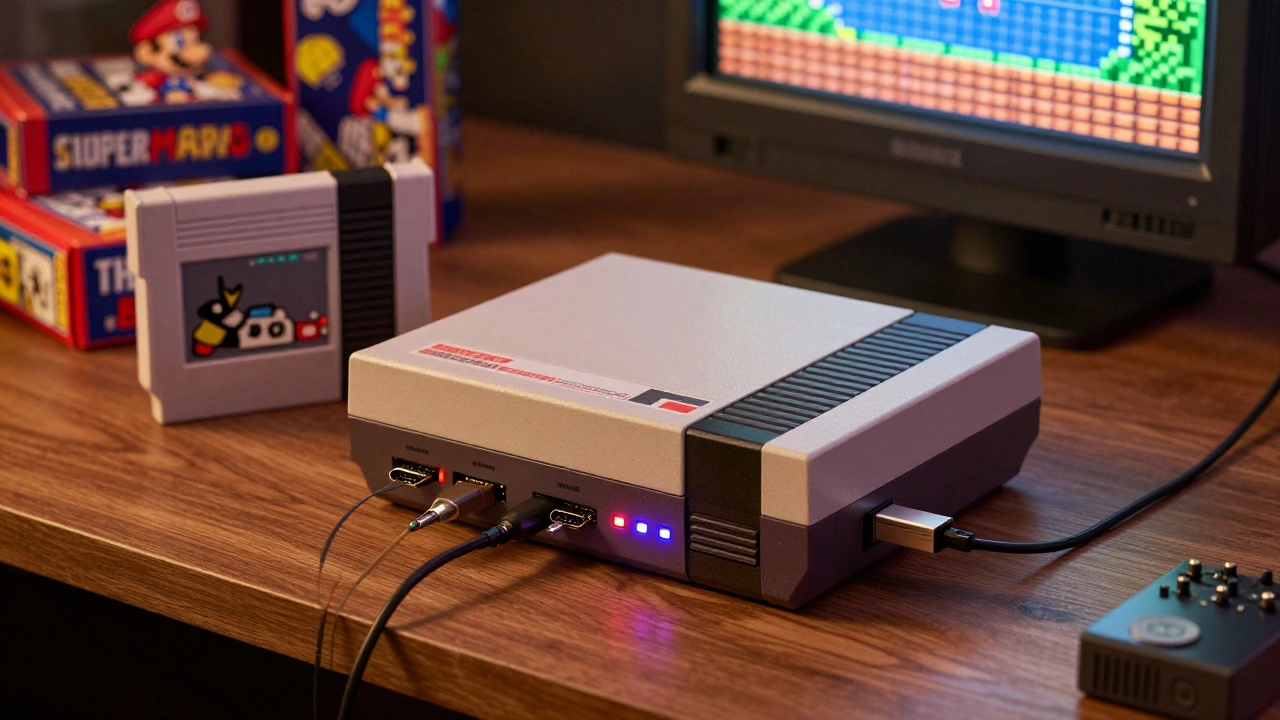

When you pull out an old NES cartridge or a worn-out Super Nintendo disc, you don’t just see a game-you see a memory. Maybe it’s the first time you beat Super Mario Bros., or the late-night marathon with friends on Sega Genesis. But those consoles are aging. Capacitors leak. Connectors corrode. Power supplies fail. And if you want to play those games today without risking your original hardware, you have two real options: FPGA consoles or software emulators. They both let you play the classics, but they do it in wildly different ways.
How FPGA Consoles Actually Work
FPGA stands for Field-Programmable Gate Array. That’s just a fancy way of saying it’s a chip you can rewire to act like any old console-from the Atari 2600 to the Sega Genesis. Unlike software, which tries to mimic how a console works, FPGA recreates the original hardware logic at the circuit level. It’s like building a brand-new NES inside a modern device using the exact same wiring and timing as the 1980s version.
This isn’t theory. Devices like the MiSTer FPGA is an open-source FPGA platform that lets users load cores for dozens of classic systems, from the Commodore 64 to the Neo Geo and the Analogue Pocket is a handheld FPGA device that plays Game Boy, Game Boy Color, and Game Boy Advance cartridges directly, with HDMI output and modern battery life prove it. You plug in your real cartridges. No adapters. No conversions. Just plug and play.
The result? Near-perfect accuracy. Input lag? Almost zero. Sound timing? Exactly how the original chip produced it. Even subtle quirks-like the flickering sprite behavior on the NES or the color bleed on the SNES-are preserved. That matters if you’re trying to hit frame-perfect jumps in Super Mario Bros. 3 or land a perfect spin kick in Mortal Kombat. Software emulators often smooth these out. FPGA doesn’t.
How Software Emulators Work
Software emulation is what most people think of when they hear "retro gaming." You download a program-like RetroArch is a frontend that unifies dozens of emulators into one interface, supporting everything from Atari 2600 to PlayStation 2-and load a ROM file. The software runs on your laptop, phone, or even a Raspberry Pi, and simulates the console’s behavior using code.
It’s not perfect. Because it’s software, it has to translate every instruction from the old hardware into modern commands. That translation adds delay. Input from your controller has to go through the operating system, then the emulator, then the game. That’s why competitive players avoid software emulation for rhythm games or fighting games. One study from 2025 showed input latency on a modern smartphone running PS2 games averaged 45ms. On an FPGA system? Under 10ms. That’s the difference between landing a combo and missing it entirely.
But here’s the trade-off: flexibility. Software emulators let you apply shaders to make games look like they’re on a CRT TV. You can upscale graphics to 4K, enable online multiplayer, use save states, or unlock achievements with RetroAchievements. You can run PlayStation 2 games on your phone. You can even emulate the Nintendo Switch on a high-end PC. And it’s free. If you already have a Windows laptop or an Android phone, you can start playing today with zero extra cost.
Accuracy: FPGA Wins, But Is It Worth It?
Let’s be clear: FPGA is more accurate. Experts like Russ Crandall point out that software emulation often "feels off," even if the game runs. It’s not broken-it’s just not the same. The timing of sound, the way sprites flicker, the exact moment a button press registers-all these tiny details add up. For someone who grew up with the original hardware, FPGA brings back the exact feeling.
But accuracy comes at a price. A Analogue Pocket is a commercial FPGA handheld that costs $250 and plays Game Boy cartridges with HDMI output and modern controls costs more than a used PS1. The Mega Sg is an FPGA-based Sega Genesis emulator that supports original cartridges and outputs video via HDMI, priced at $300 is nearly triple the price of a real Genesis from 1990. And you still need to buy the cartridges yourself.
Software emulation doesn’t care about cost. You can play 100 games on a $50 Raspberry Pi. You can run them on your tablet while waiting for the bus. You can tweak every setting until it looks perfect. For most people, that’s enough.
Setup: One Click vs. Learning Curve
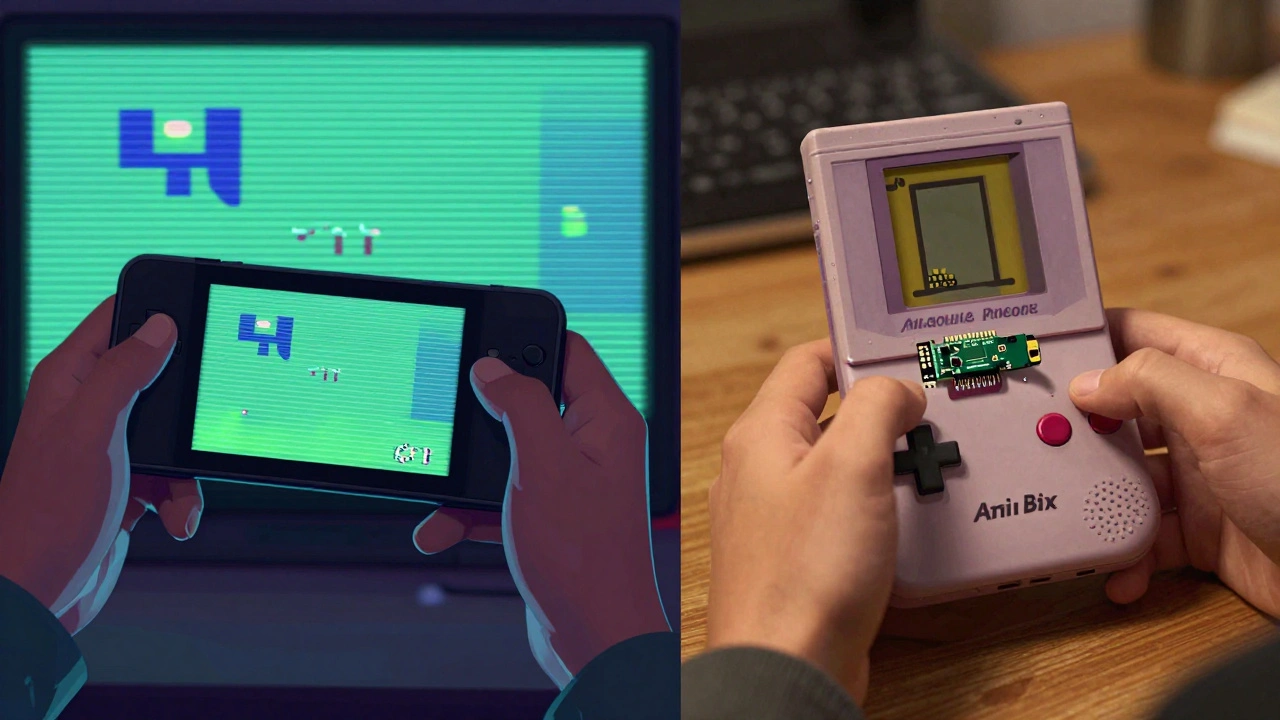
Want to start playing? With software emulation, download RetroArch, drop in a ROM, and go. Even on Android, you can install an emulator in under a minute. No tools. No soldering. No reading manuals.
FPGA? It’s different. The MiSTer FPGA requires a Linux-compatible computer, a microSD card, a USB controller, and a monitor with HDMI input. Users must manually download cores, configure settings, and sometimes troubleshoot timing issues isn’t plug-and-play. You need to download cores for each system, configure video and audio settings, and sometimes tweak timing parameters if a game doesn’t run right. It’s not hard-but it’s not simple either. You’re not just playing a game. You’re tinkering with hardware.
That’s why FPGA appeals to a specific kind of person: someone who likes building, fixing, and understanding how things work. Software emulation appeals to everyone else.
Who Should Choose What?
Here’s the breakdown:
- Choose FPGA if: You want the closest thing to original hardware. You care about input lag for rhythm or fighting games. You have CRT monitors and want to use light guns or analog controllers. You’re willing to spend $200+ for authenticity. You enjoy tinkering with hardware.
- Choose software emulation if: You want to play on your phone, tablet, or PC. You want to use shaders, widescreen hacks, or online play. You’re on a budget. You don’t mind slight inaccuracies. You want to play a wide range of systems-from NES to Switch-with one setup.
There’s also a third option: hybrid. Some people use FPGA for their favorite 8- and 16-bit systems, and software emulation for everything else. That’s what many collectors do. It’s not an either/or choice. It’s about matching the tool to the game.
Preservation: Which One Really Saves the Games?
Preservation isn’t just about playing games. It’s about keeping them alive for future generations. FPGA helps by preserving the original hardware experience. If you use an FPGA console with your real cartridges, you’re not relying on ROM files that might disappear. You’re keeping the original media alive.
Software emulation, on the other hand, makes games accessible to millions. Companies like Nintendo and Sega now re-release old games on modern platforms using software emulation. That’s preservation too-just in a different form. It’s how people who never owned a Genesis get to play Sonic.
The truth? Both matter. FPGA keeps the soul of the hardware. Software keeps the games in circulation. You need both to truly preserve gaming history.
Final Thoughts
FPGA consoles and software emulators aren’t rivals. They’re different tools for different jobs. One is a precision instrument. The other is a Swiss Army knife. You don’t need a scalpel to peel an apple. But if you’re carving a detailed sculpture, you’ll want one.
Most people start with software emulation. It’s free, easy, and powerful. But if you’ve played every classic game on your phone and still feel like something’s missing-then FPGA might be your next step. It’s not about being better. It’s about being right for you.
Can I use original cartridges with software emulators?
No. Software emulators only work with digital ROM files. To play original cartridges, you need an FPGA console like the Analogue Pocket or MiSTer, which are designed to accept physical cartridges directly. Some hardware mods allow you to convert old consoles into emulators, but those still require the original system to be modified.
Is FPGA emulation legal?
The FPGA hardware itself is legal. What’s not legal is downloading ROMs of games you don’t own. If you own the original cartridge, using it with an FPGA console is generally considered fair use. Always check your local laws, but the focus of enforcement is on distributing ROMs, not on using FPGA devices.
Why do rhythm games feel worse on software emulators?
Rhythm games like Dance Dance Revolution or Guitar Hero require frame-perfect timing. Software emulators add input latency-often 30-60ms-because they process controller input through multiple software layers. FPGA systems have near-zero latency because they process inputs directly through hardware, just like the original console. That’s why competitive players avoid software emulation for these genres.
Can I use light guns with software emulators?
Most software emulators don’t support light guns properly. They rely on screen detection, which doesn’t work on modern flat screens. Only FPGA systems like MiSTer can output true analog video signals that match the original CRT timing, allowing light guns to function accurately. For games like Duck Hunt or Time Gun, FPGA is the only reliable option.
Which is better for long-term preservation: FPGA or software?
Both have strengths. FPGA preserves the original hardware experience and allows you to use real cartridges, reducing reliance on digital files. Software emulation makes games accessible to more people and enables publishers to legally re-release titles. For true preservation, you need both: FPGA to keep the hardware experience alive, and software to ensure the games remain playable on future platforms.