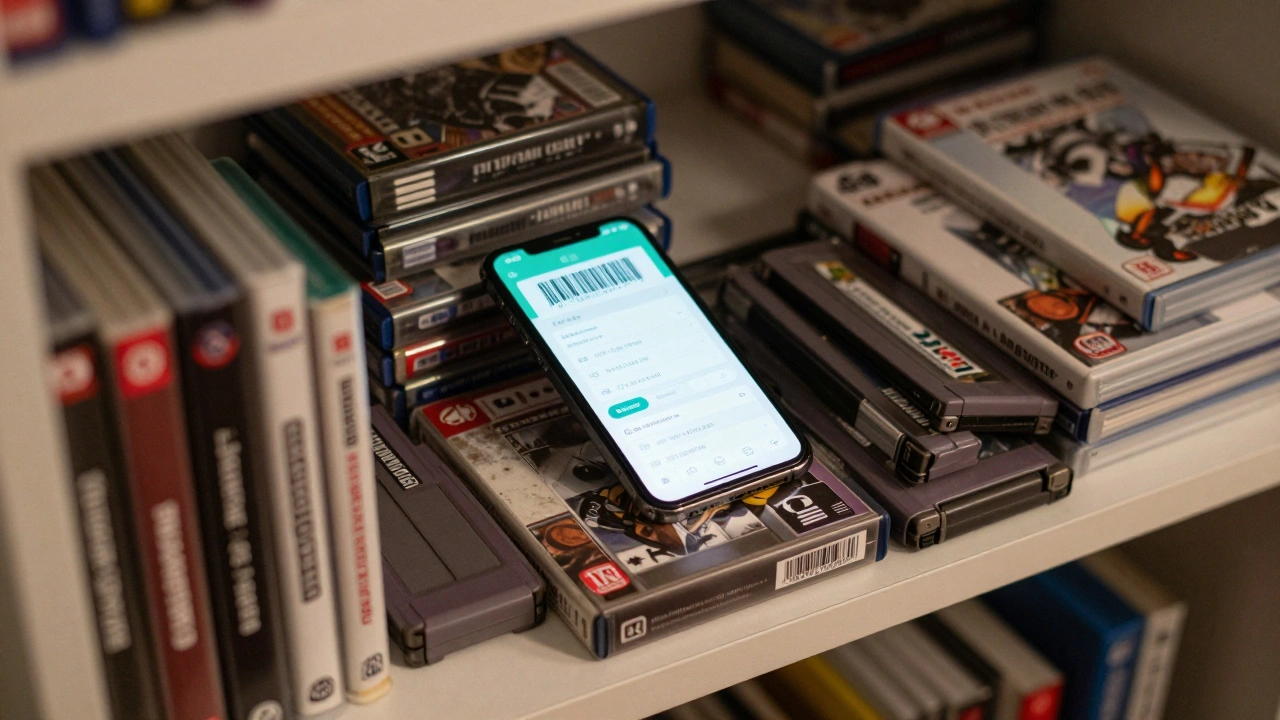

Ever bought a game, shoved it in a box, and then forgot you even owned it? Or worse - spent $80 on a sealed copy of a rare title, only to find out two years later it’s worth half that? If you’ve got more than 20 games stacked up, you’re not just a gamer - you’re a collector. And like any good collector, you need a system. Not a messy shoebox. Not a scribbled list on a napkin. A real, working method to track what you own, what you’ve played, and what it’s actually worth.
Tracking your video game collection isn’t about being obsessive. It’s about knowing what you have so you don’t buy duplicates, understanding what’s growing in value, and finally finishing that backlog without feeling guilty. There are tools for this. And they’re better than ever in 2026.
Why You Need a System (And Why Spreadsheets Alone Won’t Cut It)
Let’s be honest - you probably tried Excel or Google Sheets at first. You made columns for title, system, condition, price paid, and maybe even a checkbox for "played." It looked great… until you bought your 15th game. Then you realized you had to manually search for every title, copy-paste prices from eBay, and hope you didn’t mess up the formula.
Manual tracking works for 10 games. Not 200. And if you collect loose cartridges, regional variants, or older systems like N64 or Sega Saturn, you’re already fighting against outdated databases. That’s where dedicated tools step in - not just to save time, but to give you real data.
Here’s what you actually need to track:
- What you own - game title, system, region
- Condition - loose, complete-in-box (CIB), new sealed
- Value - current market price, what you paid
- Progress - beaten, completed, never touched
- Extras - manuals, boxes, special editions
Most free tools only do one or two of these. The best ones? They do all of them - together.
Top Tools for Tracking Your Collection in 2026
There are three main types of tools out there right now: apps, websites, and spreadsheets. Each has trade-offs. Here’s what actually works.
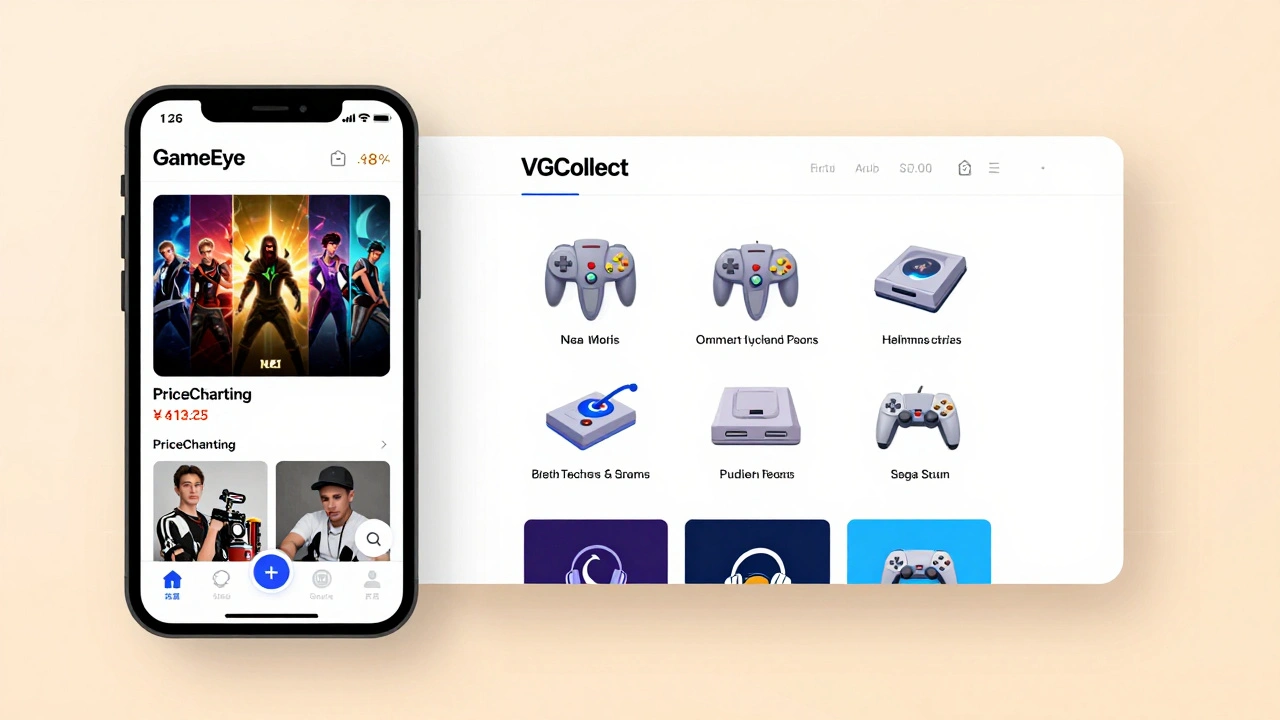
GameEye - The Best All-in-One App
GameEye is the most popular mobile app for collectors in 2026. Why? Because it does what most others don’t: it scans barcodes. Point your phone at a game case, and it auto-fills the title, system, release date, and even the condition. No typing. No searching.
It separates games, consoles, and accessories into different tabs. So if you own 12 PS5 controllers, 3 Nintendo Switch docks, and 47 games, you can see each category at a glance. It also pulls live pricing from PriceCharting, so you instantly know if that $60 copy of EarthBound is overpriced or a steal.
It supports over 100 systems, from Atari 2600 to PlayStation 5. And yes - it even handles loose cartridges for systems like Game Boy and NES. The only downside? It doesn’t track what you paid for each game. That’s on you. And it doesn’t give you a grand total of your entire collection’s value. Still, for speed and ease, it’s unmatched.
VGCollect - The Community-Powered Website
If you care more about what games you’ve played than what they’re worth, VGCollect is your best friend. It’s free, web-based, and run by collectors like you. You create an account, add your games manually (no scanning), and mark them as "loose," "CIB," or "new." The site shows you how many games you have per system, how many are complete, and even lets you see what other collectors own.
It doesn’t track prices. Doesn’t scan. Doesn’t integrate with Steam. But it’s perfect if you want to show off your collection, find rare titles, or just keep a clean digital record. Thousands of users update it daily, so the database is always growing. If you collect retro games and care about community, this is the place.
Completionator - For Players Who Want It All
Completionator is the hybrid solution. It tracks your collection like GameEye, but also pulls in your Steam, Xbox, and PlayStation library. It tells you how many hours you’ve spent on each game. It lets you mark if you’ve beaten it, completed it, or just started it. And here’s the kicker - it connects to VGPC (Video Game Price Collector), which uses PriceCharting data to estimate your collection’s total value.
It’s not perfect. The interface feels clunky. The mobile app is laggy. But if you want one tool that does collection tracking + gameplay progress + value estimation, this is the only one that does it all. Great for people who own both physical and digital games.
PriceCharting - The Price Bible
You don’t need to sign up for PriceCharting. But you should bookmark it. This site doesn’t let you track your collection. Instead, it tells you what your collection is worth. It scrapes real eBay, Amazon, and private sales to show average prices for games in loose, complete, and new condition.
Want to know if your sealed copy of Super Mario Bros. 2 is worth $300 or $800? Check PriceCharting. Want to know if the $120 you paid for a N64 cartridge last year is still a good price? Check PriceCharting. It’s the foundation for almost every other tool - GameEye, Completionator, even the Google Sheets templates - all pull from this database.
It’s free. It’s accurate. And it’s updated daily. If you’re serious about collecting, this is your price anchor.
CLZ Games - For the Power User (But It Costs)
CLZ Games is the Ferrari of collection trackers. It’s expensive - $59.99 for a license - but it’s packed with features. You can scan barcodes, tag games with custom notes, organize by color-coded categories, and even print out physical labels. It syncs across devices, supports over 150 systems, and has a clean, visual interface.
But here’s the catch: you can’t use it for free. The trial lets you track only 100 games. If you have 300? You pay. Most casual collectors won’t need this. But if you’re building a serious archive, organizing a resale business, or just want pixel-perfect control over every detail - CLZ is worth it.
Google Sheets Template - The DIY Option
Still not convinced? There’s a Google Sheets template floating around Reddit’s r/gamecollecting that’s been downloaded over 25,000 times. It’s free. It auto-pulls prices from PriceCharting and eBay. It color-codes games by condition. It shows totals for each system, total value, and even how many games you’ve beaten.
Setup takes an hour. But once it’s done, it’s yours forever. No subscriptions. No ads. No app updates. You control everything. Perfect if you like spreadsheets, hate apps, or just want full transparency.
Which Tool Should You Choose?
There’s no "best" tool. Only the best tool for you.
Ask yourself:
- Do you care more about value or playtime? - Value? Go with GameEye + PriceCharting. Playtime? Use Completionator or The Backloggery.
- Do you have a lot of loose cartridges? - GameEye handles them, but it’s not perfect. You’ll still need to manually enter some. CLZ does better here, but costs money.
- Are you on a budget? - Start with VGCollect (free) or the Google Sheets template. Both are powerful.
- Do you own digital games too? - Completionator is the only one that imports Steam/Xbox/PlayStation libraries.
- Do you want to show off your collection? - VGCollect lets you share your profile publicly. GameEye doesn’t.
Here’s a quick decision guide:
| Tool | Cost | Barcode Scan | Price Tracking | Playtime Tracking | Best For |
|---|---|---|---|---|---|
| GameEye | Free (Premium: $4.99/month) | Yes | Yes (via PriceCharting) | No | Physical collectors, fast entry |
| VGCollect | Free | No | No | No | Community, retro collectors |
| Completionator | Free | Yes | Yes (via VGPC) | Yes | Hybrid (physical + digital) collectors |
| PriceCharting | Free | No | Yes | No | Price research only |
| CLZ Games | $59.99 (one-time) | Yes | Yes | Yes | Power users, serious archives |
| Google Sheets Template | Free | No | Yes (manual) | Yes (manual) | DIY lovers, full control |
How to Start - Even If You Have 300 Games
You don’t need to scan everything at once. Start small.
- Pick one tool - try GameEye or VGCollect first.
- Take your 5 most valuable games. Enter them manually. See how it feels.
- Next, grab your most-played system - say, your PS5. Scan all 20 games with GameEye.
- After a week, check your collection’s total value. Are you surprised?
- Then tackle one system per week. N64 this week. Sega Genesis next.
It takes 2-3 months to get everything in. But once it’s done? You’ll never buy a duplicate again. You’ll know exactly what’s worth selling. And you’ll finally stop feeling overwhelmed.
Pro Tips from Real Collectors
- Always scan the barcode on the back of the case. Front barcodes often don’t work - especially on older games.
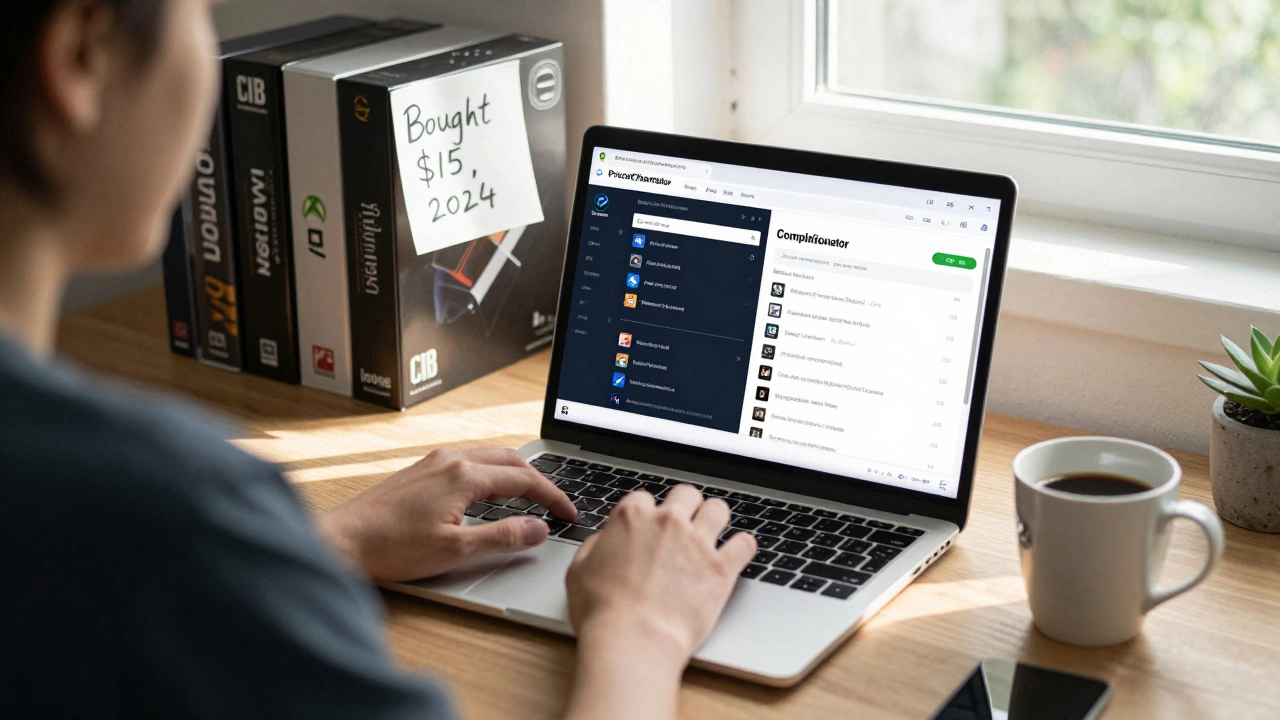
- Tag your games with notes. "Bought at GameStop, $15, 2024." "Box torn, but manual intact." Details matter.
- Check PriceCharting before you buy. If a game is listed at $50 but you’re paying $75? Walk away.
- Don’t trust eBay listings. They’re inflated. Use PriceCharting’s average price instead.
- Update monthly. Add new games right away. Don’t let them pile up.
Collecting games isn’t about hoarding. It’s about enjoying what you own - and knowing what it’s worth. A good tracker doesn’t just organize your games. It turns your hobby into something smarter, more valuable, and more fun.
What’s the best free tool to track my video game collection?
For most collectors, GameEye is the best free option. It scans barcodes, tracks condition, and pulls live prices from PriceCharting. If you don’t care about pricing and just want to log what you own, VGCollect is simpler and fully free. Both work great on mobile.
Can I track both physical and digital games in one place?
Yes - but only with Completionator. It lets you import your Steam, Xbox, and PlayStation libraries alongside your physical games. Other tools like GameEye and VGCollect only track physical copies. If you play both, Completionator is your only real option.
Is it worth paying for CLZ Games?
Only if you have over 500 games, need to sync across devices, or want advanced tagging and printing features. For 90% of collectors, free tools like GameEye or the Google Sheets template are enough. CLZ is overkill unless you’re building a museum-level archive or reselling games professionally.
How accurate are the prices on PriceCharting?
Extremely accurate. PriceCharting doesn’t guess - it pulls data from real sales on eBay, Amazon, and private collector markets. It shows average prices for loose, complete, and new condition. If a game sells for $200 five times in a month, PriceCharting reflects that. It’s the gold standard for pricing.
What if my game doesn’t scan in GameEye?
Manually search for it. GameEye’s database has over 120,000 games, but some rare or region-specific titles won’t auto-populate. Just type the title, select the system, then manually set condition and notes. It takes 30 seconds. You’ll still save hours compared to writing everything down.
Should I track my game collection if I’m not a serious collector?
Yes - even if you only have 15 games. Tracking helps you avoid buying duplicates, see what you’ve actually played, and know if you’re sitting on something valuable. You don’t need to be a hoarder to benefit from a simple system. Start with VGCollect - it takes 5 minutes to set up.
What’s Next?
Start today. Pick one tool. Add five games. That’s it. You don’t need to do it all at once. The goal isn’t perfection - it’s awareness. Once you see how much you own, how much it’s worth, and how many games you’ve never touched, you’ll start making smarter choices. And that’s what collecting is really about - not just owning games, but enjoying them.