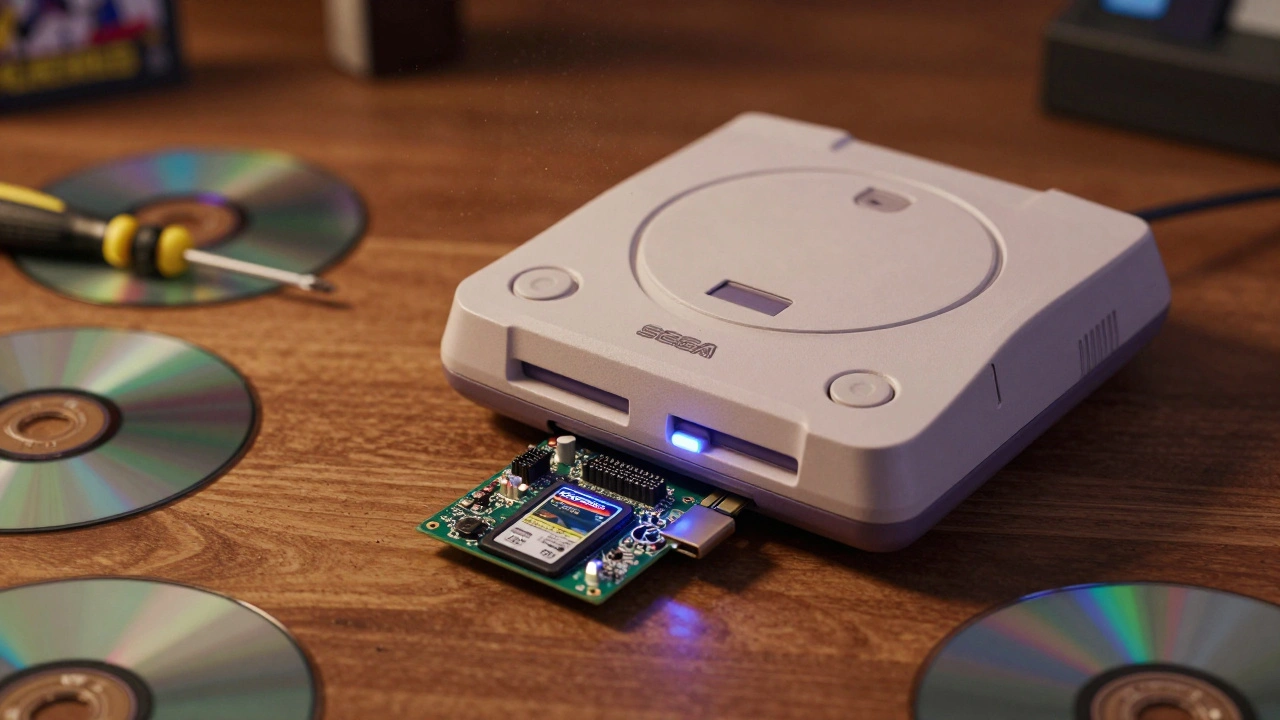

For collectors of Sega Dreamcast and Saturn games, there’s a quiet crisis happening right now. The lasers in these consoles-once reliable, now 25 years old-are dying. Not slowly. Not gracefully. They’re failing in droves. One day your game loads fine. The next, it spins, clicks, and gives you a black screen. No error message. No warning. Just dead. And replacing the laser? Good luck finding one. Even if you do, it won’t last. That’s where optical drive emulators come in. They’re not mods. They’re not cheats. They’re the only real way to keep your collection alive.
Why Your Dreamcast and Saturn Are Dying
These consoles were built in the late 90s. They used cheap, mass-produced optical drives-designed to last a few years, not decades. The lasers fade. The belts stretch. The motors seize. Even if you never used your console, the components still degrade. Heat, humidity, time. It doesn’t matter. Every single original drive will eventually fail. And when it does, you’re stuck. No replacement parts exist. No official repairs are offered. Your games become digital ghosts.That’s why collectors aren’t just buying emulators-they’re saving their libraries. You can’t just dump your discs into a PC and call it a day. The magic of these systems isn’t just in the games. It’s in the way they load. The boot screens. The startup sounds. The feel of pressing play and watching the console come to life. Emulators preserve that.
The GDEMU: The Original Dreamcast Savior
The first real solution came with the GDEMU is a plug-and-play optical drive emulator designed specifically for the Sega Dreamcast. Developed by hobbyist Deunan Knute, it wasn’t meant to be a commercial product. It was a labor of love. And because it was made in tiny batches, demand far outstripped supply. If you wanted one back then, you waited. And waited. Then you paid triple on eBay.Installation is simple. No soldering. Just remove the optical drive, pop in the GDEMU board, connect the main ribbon cable, and secure it with the included standoffs. You then load your games onto an SD card using the GDMENU software (v0.6) and SD Card Maker (v1.10). It supports GBI and Tosic Tosec rips best. Not every ISO works. Some games glitch. Others don’t boot at all. You’ll need to test and tweak. But once it works? It works flawlessly. No lag. No loading delays. Just pure, instant access to your entire library.
But here’s the catch: GDEMU is nearly impossible to find new. Production stopped years ago. If you see one for sale today, it’s likely a used unit from someone who upgraded. And those prices? They’re steep. But for collectors who value original hardware, it’s still the gold standard.
Rhea and Phoebe: Saturn’s Answer
The Sega Saturn was even more complex than the Dreamcast. Two different motherboard versions. Two different drive connectors. Enter Rhea is an optical drive emulator for Sega Saturn Model 1 (20-pin) and Phoebe is an optical drive emulator for Sega Saturn Model 2 (21-pin).Like the GDEMU, these are plug-and-play. No soldering. Just remove the drive, plug in the board, and load your games onto an SD card. Rhea handles Model 1 Saturns. Phoebe handles Model 2. The difference? The pin layout. Get the wrong one, and it won’t fit. You’ll need to check your console’s model number before buying.
Game compatibility is excellent. Most disc-based Saturn titles work without issue. Region-free play is supported. You can even load homebrew and fan translations. But again-availability is brutal. These were never mass-produced. You’re hunting on eBay, Discord groups, or retro forums. And if you find one? It’s likely priced at $150 or more.
The MODE: The Ultimate All-in-One Emulator
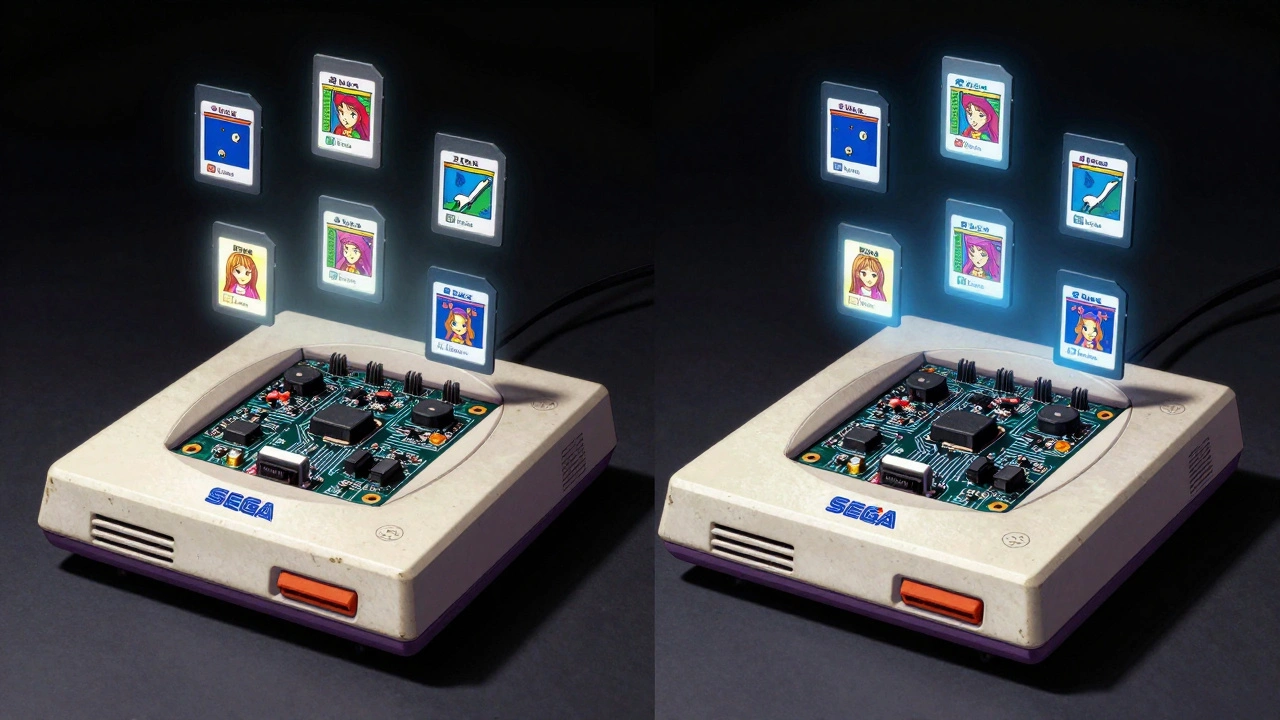
If you own both a Dreamcast and a Saturn, or if you’re tired of swapping boards every time you switch consoles, then the MODE is a multi-system optical drive emulator compatible with Dreamcast, Saturn Model 1, and Saturn Model 2 is your holy grail.Developed by Terra Onion, MODE combines everything you’d want: support for Dreamcast and both Saturn models, three storage options (microSD, USB, or hard drive), FAT32 and exFAT compatibility, and a clean, intuitive menu system. It holds up to 2,499 games on a single card. That’s not a typo. You can carry your entire collection in your pocket.
Installation? Still no soldering. Just unscrew the drive, unplug the ribbon, plug in MODE. The board is larger than Rhea or GDEMU, so you’ll need to route the controller ribbon carefully-it sits right next to one of MODE’s pins. It comes with self-adhesive feet to keep it from rattling. You’ll need to load all your games before final assembly because once it’s installed, you can’t access the storage anymore. No USB hot-swap. No SD card pull-outs. Plan ahead.
It supports in-game reset: press ABC + Start to jump back to the menu. Cover art displays if you download the right files (though some artwork gets cropped oddly). RAM cartridges work. Region-free. No boot delays. No lag. The menu is fast, clean, and responsive. And unlike GDEMU or Rhea, MODE is still being produced-though only through preorder. You can’t walk into a store and buy one. But if you’re patient, you can get it new.
Price? Around 130€. Not cheap. But think about it: one device replaces three separate emulators. It’s future-proof. It’s expandable. And it’s the only option that supports all three systems with full compatibility.
Super System 3: The Plug-and-Play Alternative
Wait-you said Dreamcast and Saturn. So why mention the Super System 3? Because if you’re into PC Engine/TurboGrafx-16 games, this is the easiest ODE ever made. But it’s also worth comparing.Unlike GDEMU or MODE, the Super System 3 doesn’t go inside the console. It plugs into the back like a CD-ROM accessory. Drop your games on an SD card. Plug it in. Power on. Done. No disassembly. No risk of breaking your console. It even includes built-in CD system cards and RGB video output. No mods needed.
But here’s the trade-off: it only works with PC Engine. Not Dreamcast. Not Saturn. So if you’re focused on Sega, it’s irrelevant. But if you’re a multi-system collector, it shows how far the tech has come. Simplicity matters.
What to Choose: GDEMU, Rhea/Phoebe, or MODE?
| Device | Console Support | Storage Options | Installation | Availability | Best For |
|---|---|---|---|---|---|
| GDEMU | Dreamcast only | SD card only | Internal, no soldering | Only used on eBay | Original Dreamcast collectors |
| Rhea | Sega Saturn Model 1 | SD card only | Internal, no soldering | Only used on eBay | Model 1 Saturn owners |
| Phoebe | Sega Saturn Model 2 | SD card only | Internal, no soldering | Only used on eBay | Model 2 Saturn owners |
| MODE | Dreamcast, Saturn Model 1 & 2 | SD, USB, HDD | Internal, no soldering | Preorder only | Multi-system collectors |
If you only have a Dreamcast, GDEMU is still the most authentic option-if you can find one. If you only have a Saturn, Rhea or Phoebe is your path. But if you own both? Or if you want the most flexible, future-proof solution? MODE is the only choice that makes sense. It’s the last upgrade you’ll ever need.
What You Need Before You Start
- A working Dreamcast or Saturn (even if the drive is dead)
- A microSD card (32GB minimum, 128GB recommended)
- A computer to format and load games
- A screwdriver set (Philips #0 and #1)
- Patience. And backup copies of your games.
Don’t try to install this without knowing your console model. Saturn Model 1 and 2 are not interchangeable. Dreamcast VA0 and VA1 are. Check your console’s model number before buying. YouTube has detailed teardown videos for all three devices. Watch them twice. Then watch them again.
Final Thoughts: It’s Not a Mod. It’s a Lifeline.
Optical drive emulators aren’t about cheating. They’re not about convenience. They’re about preservation. These consoles are relics. The games are irreplaceable. The hardware is crumbling. Without these emulators, entire libraries vanish forever.MODE, GDEMU, Rhea, Phoebe-they’re not perfect. But they’re the best we’ve got. And if you care about keeping these games playable for the next 25 years? You don’t have a choice. You need one.
Can I use a USB drive with the GDEMU?
No. The GDEMU only supports SD cards. USB drives are not compatible. You must use an SD card formatted with GDMENU software and load games using SD Card Maker v1.10. Later emulators like MODE support USB, but GDEMU does not.
Do I need to mod my console to install MODE?
No soldering or permanent modification is required. MODE is designed as a plug-and-play replacement for the optical drive. You only need to remove the original drive, connect the ribbon cable, and secure the board with the included standoffs. It’s fully reversible.
Can MODE play Saturn games from different regions?
Yes. MODE is region-free. It will play Japanese, North American, and European Saturn games without modification. The same applies to Dreamcast titles. You can mix regions on one SD card and select them from the menu.
Are there any games that don’t work on MODE?
Most games work perfectly. A few older or poorly ripped titles may have issues, especially those with copy protection or non-standard disc layouts. The community maintains compatibility lists online. If a game doesn’t boot, try re-ripping it using a different tool like Tosec or GBI format.
Is MODE still being produced?
Yes, but only through preorder. Terra Onion releases small batches periodically. There’s no retail availability. You’ll need to monitor their official website or community forums for announcements. Don’t expect to find it on Amazon or eBay unless someone is reselling a preordered unit.
Next Steps
- Identify your console model (Dreamcast VA0/VA1, Saturn Model 1/2).
- Download the correct emulator software (GDMENU, MODE Menu).
- Back up your game collection using a reliable ripper (Tosec, GBI).
- Buy your emulator through official channels if possible.
- Install it. Test it. Play it. And never let your collection die again.